How it works
From install to encrypted, in about a minute.
No configuration files, no protocol menu to research first. The defaults below are the ones we would pick for ourselves.
The three steps
- 01
Download
One installer per platform — Windows, macOS, iOS, Android. No account needed to look around; the free tier starts the moment the app opens.
- Windows, macOS, iOS and Android — one installer per platform.
- No account required to open the app and look around.
- The free tier starts the moment it opens, not after a signup form.
- 02
Connect
Press once. The app picks the fastest server it can reach, or you pick a country yourself from the list. WireGuard by default, OpenVPN when a network blocks it.
- WireGuard (ChaCha20-Poly1305) is the default for speed.
- OpenVPN (AES-256-GCM) takes over on its own if a handshake fails.
- Pick a country yourself, or let the app choose the fastest reachable server.
- 03
Browse privately
Your traffic leaves our server, not your ISP. DNS goes through the tunnel too, so the lookups do not leak around it. Nothing about the session is written down.
- DNS resolves inside the tunnel too, so lookups do not leak around it.
- Servers are RAM-only — there is no disk for a session to be written to.
- The kill switch drops your traffic if the tunnel does, rather than failing open.
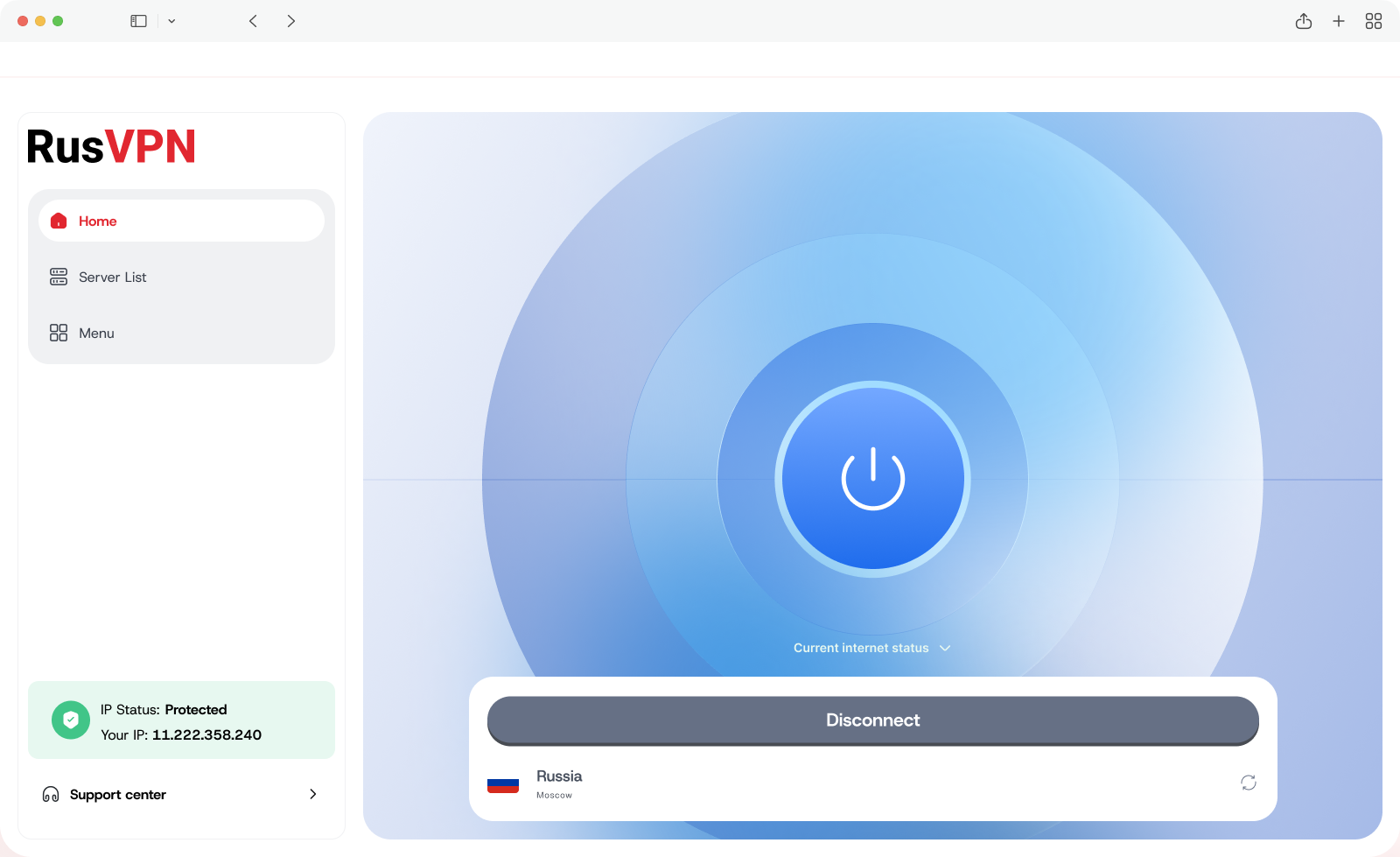
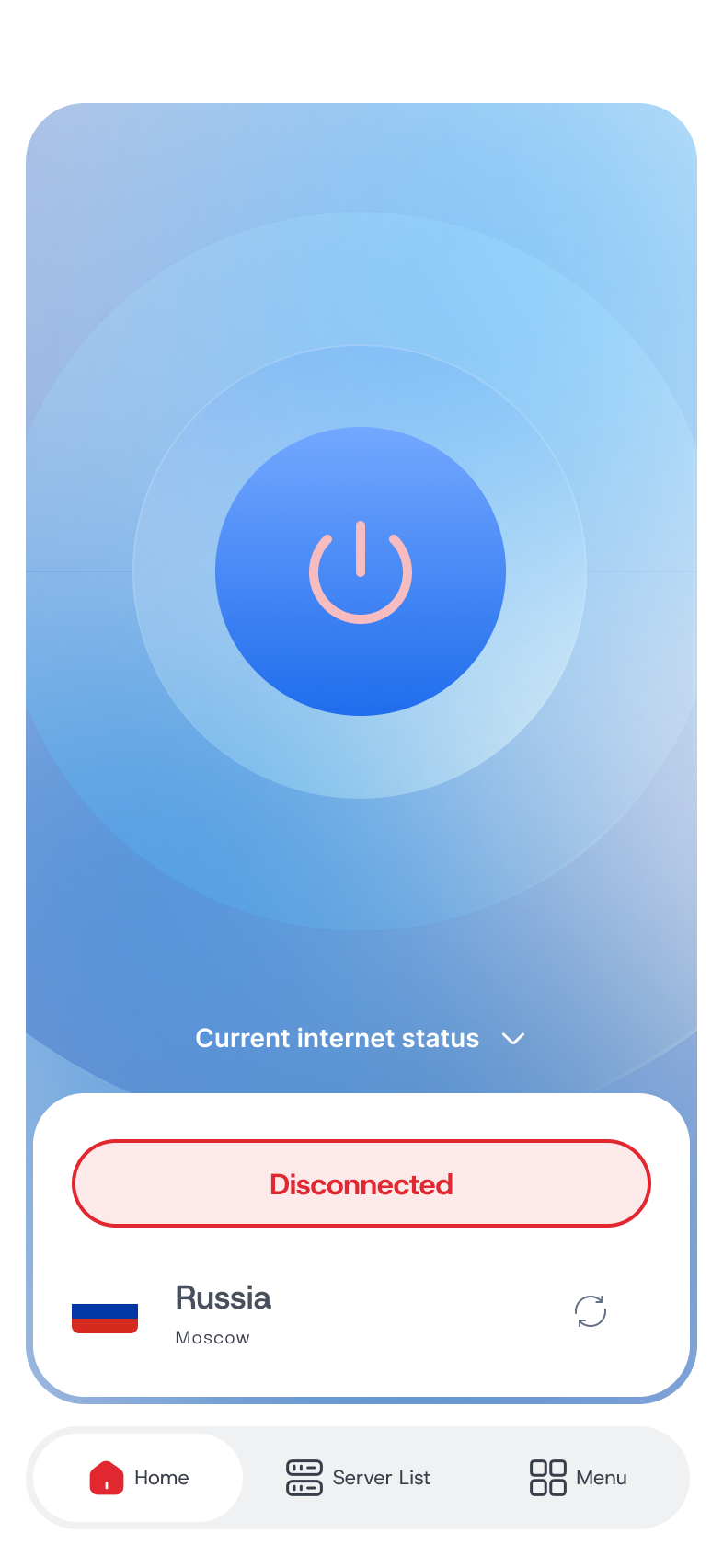
What it looks like
The same app, on desktop and mobile.
One interface, not a stripped-down mobile version — the server list and connection status read the same wherever you open it.
30-day refund if it turns out not to be for you.
Start today
Take the privacy back. On your terms.
700+ servers in 90+ countries, a no-logs policy we state plainly, and an audit we will tell you about the day it happens.
- Free tier, no card
- 5 devices per plan
- 30-day refund